
Step 1.
Copy the code below and paste it into the <HEAD>-section of each webpage where the snippet should be loaded, make sure the code is contained before the closing </head> tag.
<script src="https://www.giftomatic.io/dist/websnippet.js"></script>
Step 2.
Copy the code below and paste this in the body <BODY> where the snippet should be loaded
					<script>var gftmtc = gftmtc || [];
gftmtc.push({
  version: "2.0",
  type: "retailer",
  client: "L2S_VOUCHER",
  campaignId: 16087,
  id: "giftomatic-snippet-16087"
});</script> <ins id="giftomatic-snippet-16087" style="display:none;"></ins>
🚀 Implementation using Convert.com
Step 1.
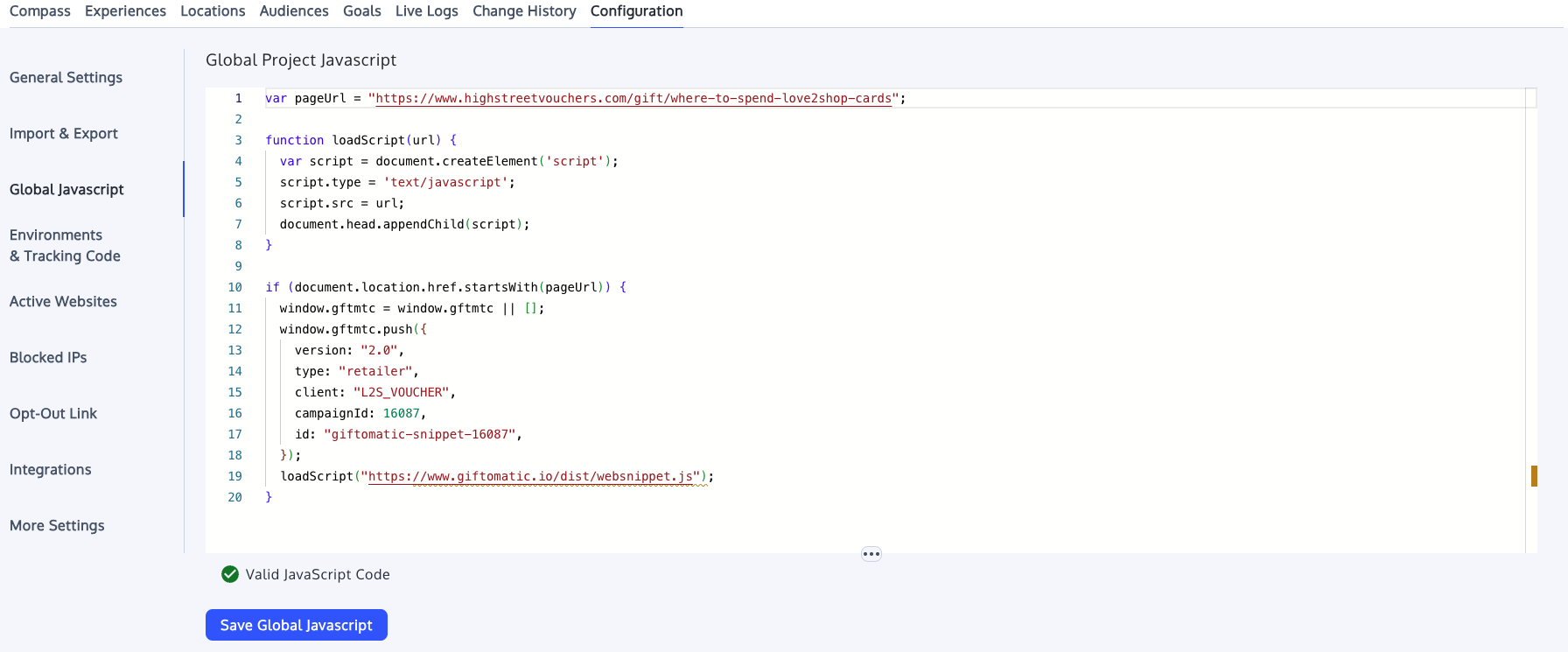
Copy the following code and paste it into the Global javascript-section under the configuration tab in your project.
					var pageUrl = "https://www.highstreetvouchers.com/gift/where-to-spend-love2shop-cards";

function loadScript(url) {
  var script = document.createElement('script');
  script.type = 'text/javascript';
  script.src = url;
  document.head.appendChild(script);
}

if (document.location.href.startsWith(pageUrl)) {
  window.gftmtc = window.gftmtc || [];
  window.gftmtc.push({
    version: "2.0",
    type: "retailer",
    client: "L2S_VOUCHER",
    campaignId: 16087,
    id: "giftomatic-snippet-16087",
  });
  loadScript("https://www.giftomatic.io/dist/websnippet.js");
}
Step 2.
Copy the following code and paste this in the body <BODY> where the snippet should be loaded
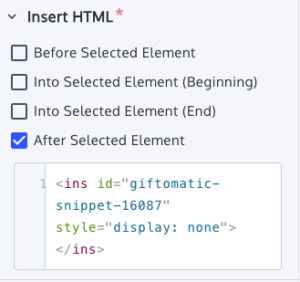
<ins id="giftomatic-snippet-16087" style="display:none;"></ins>